Get free quotes from dental IT support near you
Takes about a minute. Free, no obligation; providers reply to you directly.
Your dental IT support practice management software crashed at 9:47 on a Tuesday morning, with a full schedule of patients booked solid until 5 PM. The front desk can’t pull up charts. The X-ray software is frozen. Your associate is standing in an empty operatory staring at a blank screen. You’re on hold with a generic IT helpdesk whose first question is: “So what’s SoE Exact?”
That moment — that specific, expensive, utterly preventable moment — is why dental IT support exists as its own specialty. And why choosing the wrong provider costs you far more than the monthly retainer ever would.
The Short Version:Dental IT support manages the technology infrastructure unique to dental practices — practice management software, digital imaging, HIPAA/GDPR compliance, and network security. Expect to pay $35–$80 per device/month depending on service level. The single biggest mistake practices make is hiring generic IT providers who’ve never touched Dentrix or Carestream. Specialist matters here.
Key Takeaways
- Dental practices require IT providers fluent in dental-specific software (Dentrix, Eaglesoft, Dentally, Carestream R4) — generic IT firms are a liability, not a savings
- Managed IT runs $35–$80/device/month and replaces unpredictable break/fix costs with fixed, proactive coverage
- HIPAA (US) and GDPR (UK/EU) compliance isn’t optional — your IT provider is a business associate under these frameworks
- Cloud migration is becoming the default path for practices scaling to multiple locations
What Dental IT Support Actually Does
Most IT companies manage networks and fix computers. Dental IT support does that plus a stack of dental-specific responsibilities that generic providers are simply not equipped to handle.
Here’s what a genuine dental IT support engagement covers:
Practice Management Software (PMS) support is the core. Whether your practice runs SoE Exact, Dentally, Carestream R4, Dentrix, Eaglesoft, or Open Dental, your IT provider needs to know these systems cold — installation, migration, integration with imaging hardware, database management, and update coordination with the software vendors themselves.
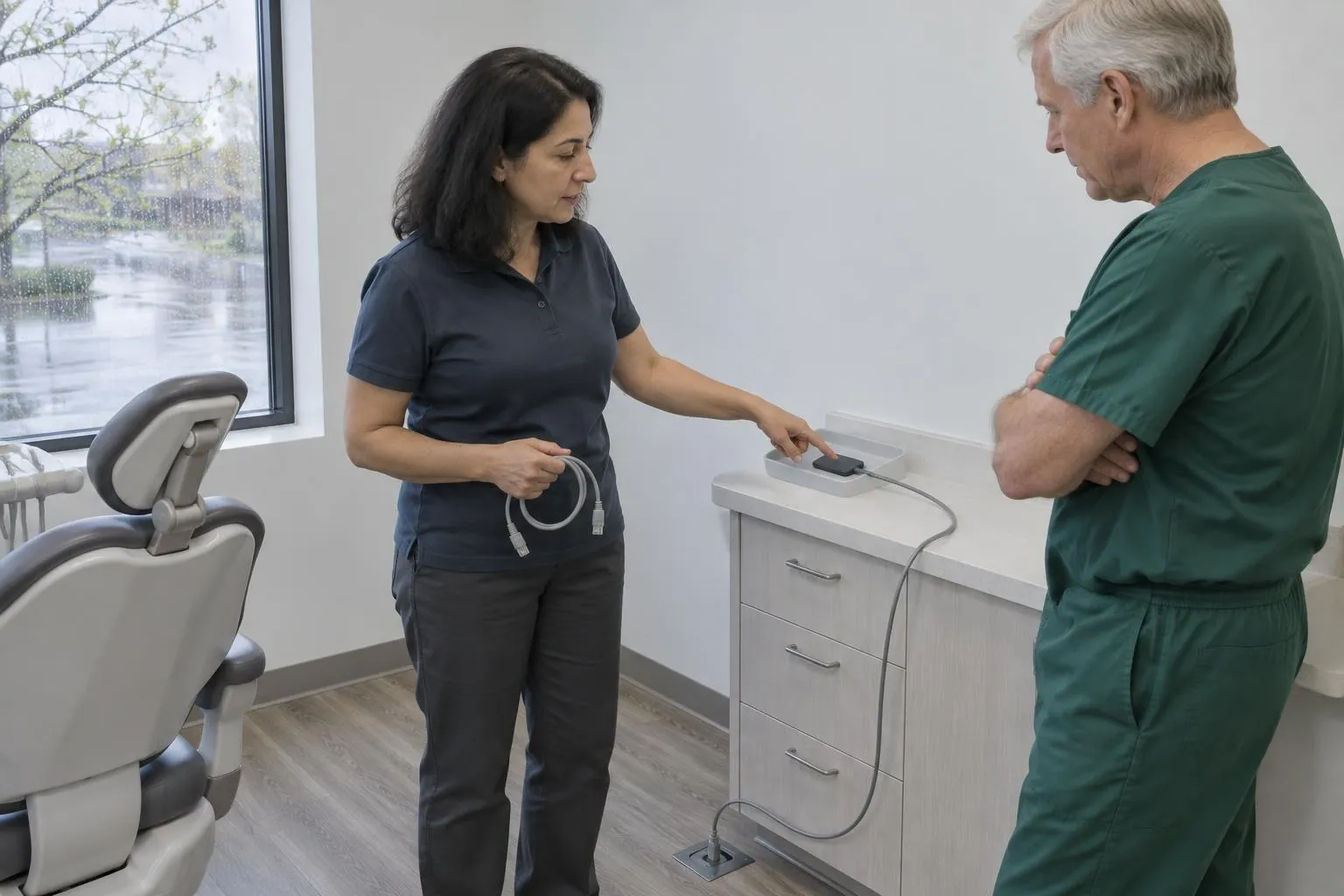
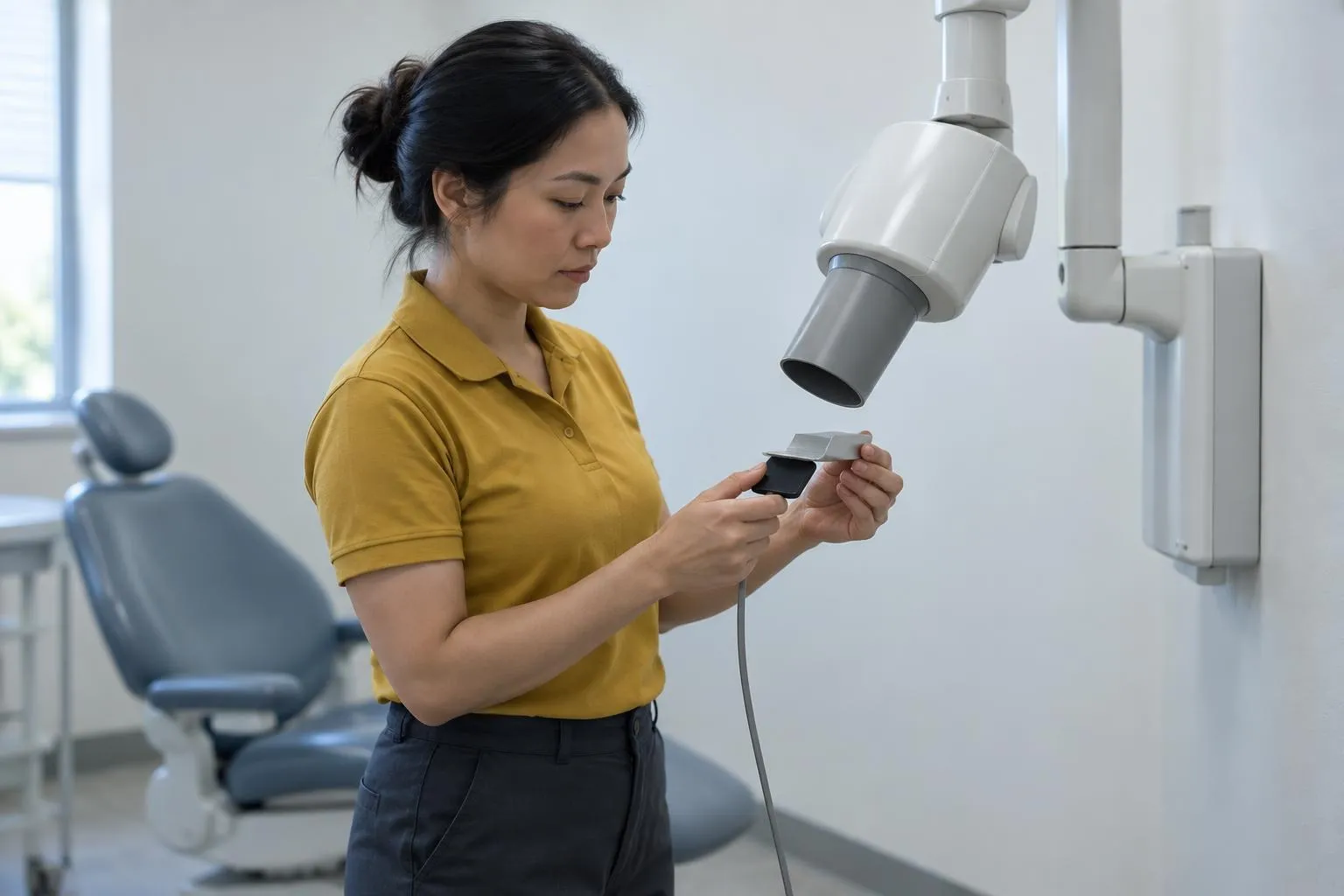
Digital imaging infrastructure is the other half. CBCT scanners, OPGs, intraoral cameras, and panoramic X-ray units generate enormous file sizes and require dedicated network architecture to function without lag. A generic IT person looking at your imaging setup for the first time is a risk.
Helpdesk and remote support — the day-to-day lifeline. Good dental IT providers offer phone, email, SMS, and increasingly WhatsApp support with remote login capability. Most issues get resolved in minutes remotely. The ones that don’t get an onsite technician who already knows your setup.
Network monitoring and ISP liaison — proactive monitoring catches connectivity issues before they take down appointments. When your internet goes down, your IT provider should be calling your ISP on your behalf, not waiting for you to call them.
Patient data security and compliance — this is where the stakes get serious.
The Compliance Layer Everyone Underestimates
Nobody tells you this when you’re shopping for IT support: your provider becomes a Business Associate under HIPAA the moment they touch systems containing Protected Health Information (PHI). That means a signed Business Associate Agreement (BAA) isn’t a nice-to-have — it’s a legal requirement.
In the UK and EU, GDPR creates an equivalent framework. Dental practices are prime targets for cyber-attacks precisely because patient records contain the combination of financial data and personal health information that fetches the highest price on the dark web.
Reality Check:A generic IT firm without a BAA isn’t just a compliance gap — it’s an active liability. In the event of a breach, “my IT guy didn’t know about HIPAA” is not a defense the OCR or ICO will accept.
A legitimate dental IT provider handles:
- End-to-end encryption for data at rest and in transit
- Secure offsite backup with tested restoration procedures
- Annual HIPAA risk assessments
- Staff training documentation (which auditors love to see)
- Incident response planning
The certifications that matter here: CHIT (Certified Healthcare IT), CHP (Certified HIPAA Professional), and CompTIA Security+ are the credentials worth asking about. They signal that your provider has actually studied the compliance frameworks — not just IT fundamentals.
Service Tiers: What You’re Actually Buying
The dental IT market has largely consolidated around three models. Here’s how they break down:
| Service Tier | What’s Included | Best For | Typical Cost |
|---|---|---|---|
| Remote Helpdesk Only | Phone/email/SMS support, remote login, software troubleshooting | Single-site, low complexity | $35–$50/device/month |
| Full Managed IT | Remote helpdesk + onsite response, 24/7 monitoring, cybersecurity, backups, compliance | Multi-site, compliance-heavy practices | $65–$80/device/month |
| Cloud-Integrated Managed | Full managed + cloud PMS hosting, disaster recovery, scalability infrastructure | Growth practices, DSOs | Higher; custom pricing |
Pricing is almost universally per-device — computers, servers, tablets, imaging workstations each count. Multi-location practices pay a premium because complexity scales non-linearly. A second location isn’t twice as complicated; it’s closer to three times.
Pro Tip:Always ask for an itemized breakdown of what counts as a “device” in your contract. Some providers count each networked operatory workstation; others bundle by operatory. The difference can swing your monthly bill significantly.
The managed services model replaced break/fix billing for a reason: predictable monthly costs beat unpredictable emergency rates every time. When your server dies at 8 AM on a Monday, you do not want to be negotiating an emergency call-out fee while your schedule implodes.
How to Actually Hire a Dental IT Provider
The hiring process for dental IT is where most practices go wrong. They treat it like hiring any IT contractor — asking about response times and hourly rates — without asking the questions that actually predict performance in a dental environment.
The questions that matter:
-
Which practice management systems have you supported? Name the specific versions. A provider who’s never migrated data between Carestream R4 versions is going to figure it out on your time.
-
Can you show me a current Business Associate Agreement? If they pause at this question, that tells you everything.
-
How do you handle CBCT/OPG data storage and backup? Imaging files are large, backup-intensive, and often stored separately from the main PMS database. Your provider needs a coherent answer here.
-
What’s your escalation path when a remote fix fails? Onsite response time matters. Know what you’re buying.
-
Do you have references from dental practices specifically? Generic IT references from law firms or retail businesses don’t transfer.
Reality Check:The cheapest provider rarely wins on total cost of ownership. A two-hour outage on a busy day — say, four operatories idle — costs more in lost production than a month’s IT retainer. Buy the provider whose specialty matches your risk, not the one whose rate matches your wishful thinking.
The Cloud Question
For years, the dental industry ran on local servers. Practice management software lived on a physical server in the back office. Backups went to external drives that sometimes got taken home and sometimes didn’t.
That model is becoming obsolete.
Cloud-based PMS hosting reduces hardware costs, makes disaster recovery reliable, and simplifies HIPAA compliance by centralizing data management. For practices with multiple locations, cloud infrastructure is basically mandatory — trying to maintain synchronized data across sites on local servers is a maintenance nightmare.
The transition isn’t painless. PMS migration requires careful data validation, staff retraining, and a clear rollback plan. Your IT provider should be driving this process with a written migration plan, not improvising it.
Here’s what most people miss: cloud doesn’t mean “secure by default.” Your cloud environment still needs proper access controls, encryption, and monitoring. The data center is secure. Your employee clicking a phishing link at their home workstation is the gap.
Regional and Regulatory Variations
United States: HIPAA is the governing framework. The Office for Civil Rights (OCR) enforces it, and audits are real — particularly after a breach. Your Business Associate Agreement must be in place with every vendor who touches PHI, including your IT provider.
United Kingdom / EU: GDPR creates similar obligations with some meaningful differences — breach notification timelines are stricter (72 hours to the ICO), and the penalties can be severe. UK practices running legacy NHS software (SystmOne, EMIS) add a layer of NHS Digital compliance on top of GDPR. Your IT provider needs familiarity with both frameworks.
Multi-jurisdiction practices: DSOs operating across US states or UK/EU borders need IT providers with explicit multi-jurisdiction compliance experience. This isn’t a specialization every dental IT firm has.
What’s Coming: Trends Worth Watching
The dental IT landscape is moving in a few clear directions:
AI-assisted diagnostics are beginning to integrate with imaging software. Platforms like Overjet and Pearl overlay AI analysis on X-rays inside your existing PMS. Your IT infrastructure needs to support these integrations — which means your provider needs to know they exist.
RMM (Remote Monitoring and Management) is now the standard for proactive support. Tools like ConnectWise or Kaseya run silent monitoring agents on every device, catching hardware failures, security anomalies, and software crashes before they cascade into downtime. Any managed dental IT provider not running RMM in 2026 is behind the curve.
Cybersecurity threat escalation is real and accelerating. Ransomware attacks on healthcare — including dental practices — hit record levels in recent years. Dental practices are appealing targets: patient data is valuable, practices are often under-resourced on security, and downtime creates immediate pressure to pay. Multi-factor authentication, endpoint detection and response (EDR), and staff phishing training are no longer optional extras.
DSO consolidation is driving demand for scalable IT infrastructure. As more single-practice dentists sell into group practices, the IT requirements shift dramatically. If you’re building toward an acquisition or partnership, your IT architecture matters to buyers.
Practical Bottom Line
Here’s where this lands.
If you’re running a single-site practice on a tight budget: remote helpdesk at $35–$50/device/month gets you covered for most day-to-day issues. Verify the BAA exists. Confirm they know your PMS.
If you’re multi-site, compliance-sensitive, or handling a significant imaging volume: full managed IT at $65–$80/device/month is the defensible choice. The math on one prevented outage pays for months of service.
If you’re scaling aggressively or approaching DSO territory: cloud-integrated managed IT with a provider who has explicit multi-location dental experience is the path. Get three quotes. Ask for dental-specific references for each.
The specific next steps:
- Audit your current setup. Do you have a signed BAA with every vendor touching patient data? When did you last test your backup restoration?
- Interview two or three dental-specific IT providers. Use the questions above. Watch for providers who pivot to generic IT credentials when asked about dental software experience.
- Clarify your compliance obligations. HIPAA in the US, GDPR in the UK/EU. Know which framework governs you — and confirm your provider knows it too.
- Review your PMS vendor’s support relationship. Henry Schein One, Carestream, and similar vendors have IT partnerships and certified providers. Your IT firm should coordinate with your PMS vendor, not work around them.
The right dental IT provider is invisible when things are working and indispensable when they aren’t. That invisibility is what you’re buying.
Done reading? Get quotes from dental IT supports near you.
Takes about a minute. Free, no obligation; providers reply to you directly.
Popular cities:
Nick built this directory to help dental practice owners find credentialed IT providers without wading through general IT shops that lack dental software expertise — a gap he encountered when researching technology vendors for healthcare clients who needed both HIPAA compliance and Dentrix familiarity from day one.