Get free quotes from dental IT support near you
Takes about a minute. Free, no obligation; providers reply to you directly.
A few years back, a dental practice manager in suburban Ohio called her IT vendor in a full panic — the practice management software had crashed mid-morning, and she had six patients in chairs with imaging systems frozen solid. Her remote support contract promised 24/7 response. The tech was on the line in four minutes. He could see her screen, restart the service, and have everything running again before the second patient got anxious.
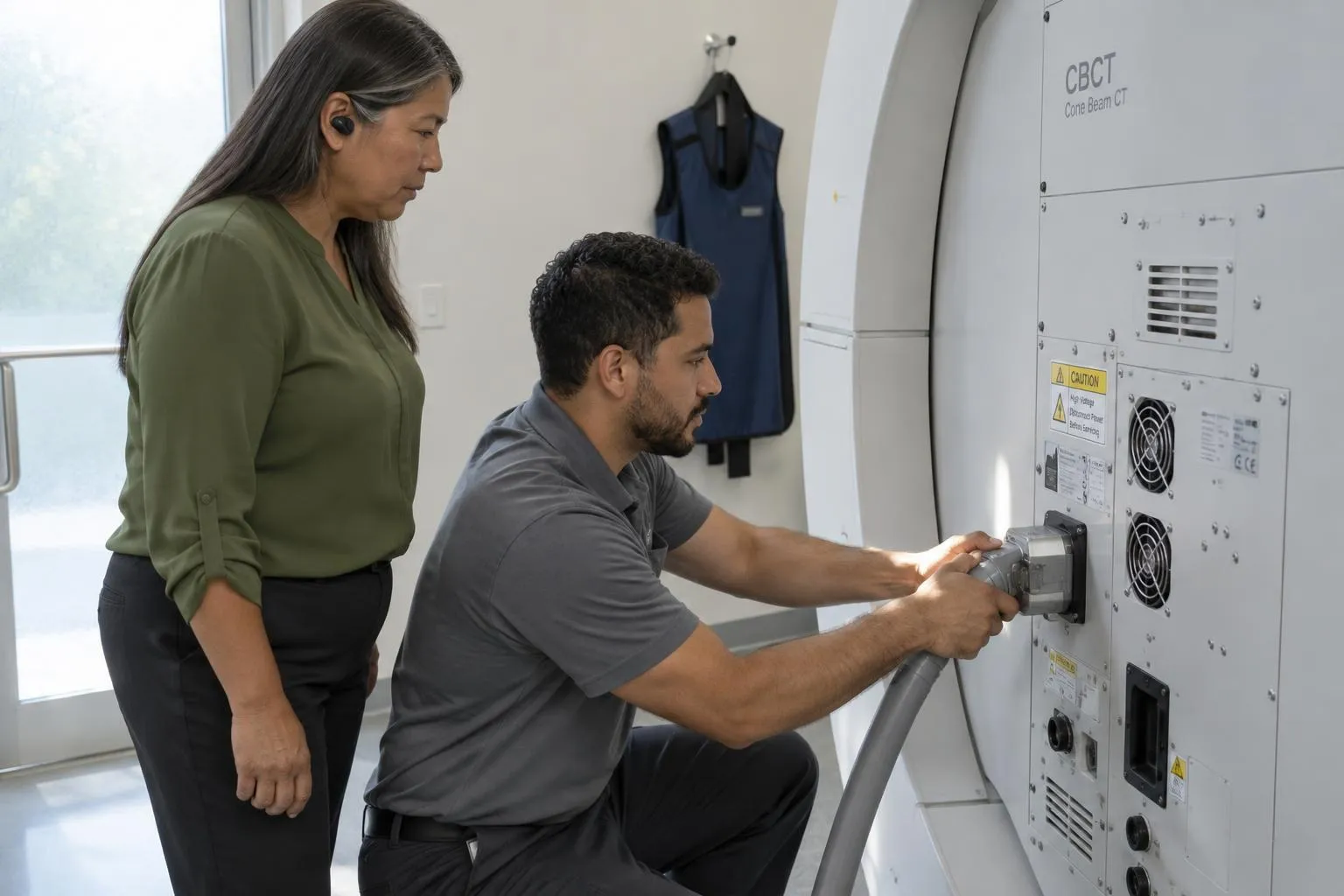
Then a cable connecting the cone beam CT scanner came loose. The remote tech, bless him, could see the problem in the logs — but he could not physically reseat a connector from two states away. She waited three hours for an onsite visit that could have been a two-minute fix.
That story is basically the whole debate in one morning.
The Short Version:Remote dental IT support handles the majority of day-to-day problems faster and cheaper than in-person. But hardware failures, new equipment installs, and physical network setups require a body in the room. The best practices have stopped treating this as an either/or and built a hybrid model that combines both.
Key Takeaways
- Remote support resolves most software, network, and security issues faster than waiting for an onsite visit
- Hardware problems — failed drives, loose connections, new imaging equipment — still require physical presence
- Flat monthly managed service fees eliminate surprise invoices; in-house IT carries salary, benefits, and training overhead that compounds fast
- A hybrid model (remote monitoring + occasional onsite) is the industry-recommended sweet spot for small and mid-size practices
What Remote IT Support Actually Covers
Here’s what most people miss: the overwhelming majority of IT problems at a dental practice are software problems. Crashed Dentrix installs, Eaglesoft licensing errors, network configuration drift, HIPAA security patches that weren’t applied, backup jobs that silently stopped running six weeks ago — all of it is diagnosable and fixable without anyone setting foot in your office.
Remote support providers can connect directly to your systems (no VPN changes, no firewall gymnastics) and handle billing software, scheduling platforms, patient image storage, and endpoint security from anywhere. The specialist teams at dental-focused managed service providers bring years of experience with the specific software stack dental offices run — Dentrix, Open Dental, Carestream, the works. That depth is genuinely hard to replicate in a single in-house hire.
Pro Tip:When evaluating remote IT providers, ask specifically about their dental software bench. A generalist MSP that “also does dental” is not the same as a team that has run 200 Dentrix migrations. The credential to look for: CHIT (Certified Healthcare IT) or equivalent dental-specific experience.
The 24/7 availability angle is real, not just marketing copy. A solo in-house IT coordinator is a human being who goes home at 5pm. Remote teams operate in shifts and cover nights and weekends — which matters when your staff is doing end-of-day billing reconciliation at 7pm and hits a permissions error.
When You Absolutely Need Someone in the Room
I’ll be honest — there’s a version of this conversation where remote-only advocates oversell the model. Some things cannot be fixed remotely, period:
- Hardware failures: A dead hard drive, a failed network switch, a loose imaging cable — none of these yield to remote diagnosis alone
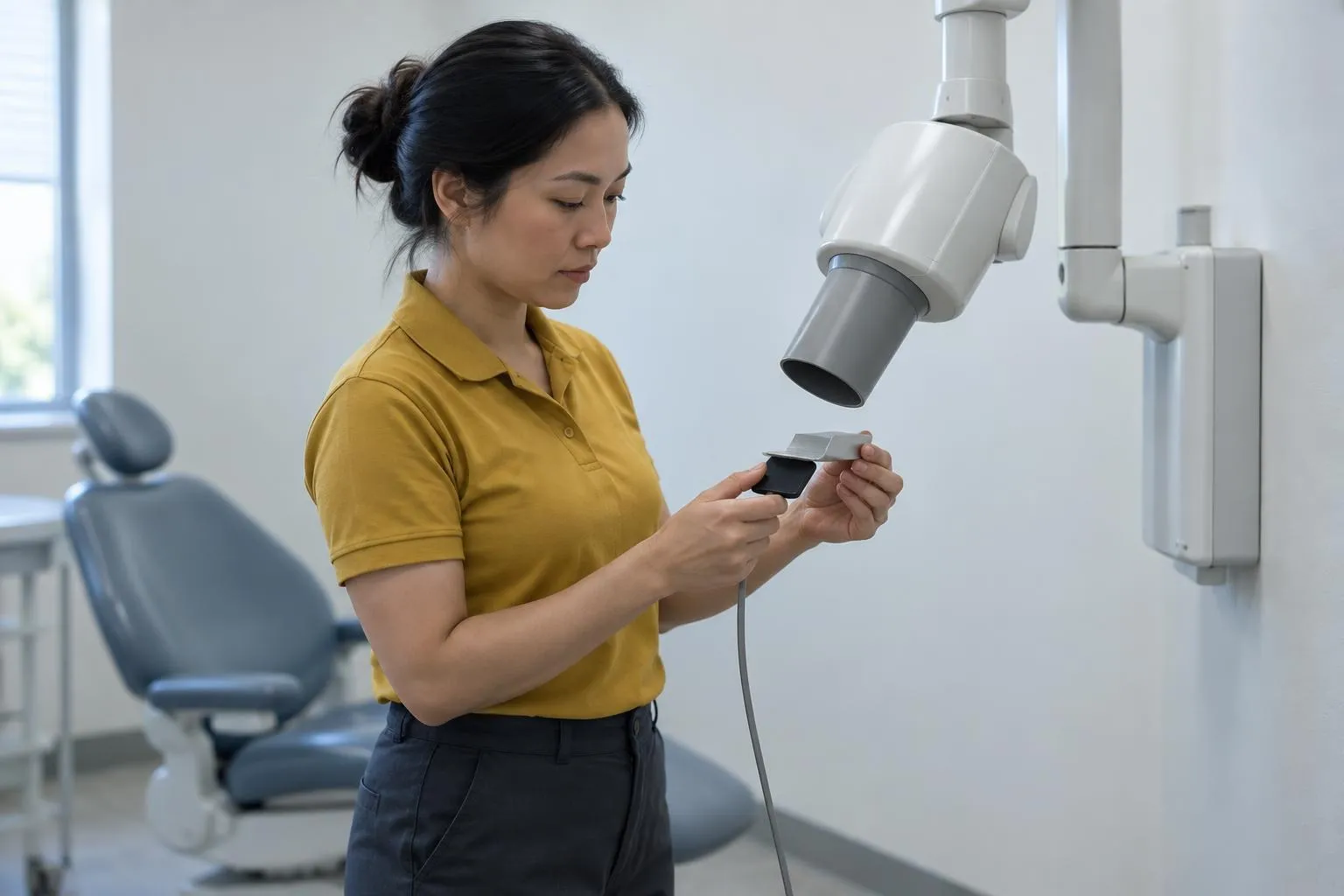
- New equipment installation: Setting up a new digital X-ray sensor or intraoral camera requires physical configuration, driver installation, and calibration that benefits enormously from someone on-site
- Physical network buildouts: Running cable for a new operatory or setting up a clean network closet is not a remote task
- Security incidents with physical components: If someone suspects a compromised physical device, eyes-on matters
The Adivi 2026 analysis puts it cleanly: onsite for hardware and immediate physical needs, remote for software and ongoing support. That’s not a controversial take — it’s just accurate.
The Real Cost Comparison
The cost conversation gets muddled because people compare the wrong things. Here’s a cleaner breakdown:
| Factor | Remote / Managed IT | In-Person / In-House IT |
|---|---|---|
| Monthly cost structure | Flat monthly fee; no surprise invoices | Salary + benefits + training + overtime |
| Response time (software) | Immediate — no travel delay | Immediate if in-office; delayed if offsite |
| Response time (hardware) | Requires scheduling onsite visit | Immediate physical access |
| After-hours coverage | Team coverage, 24/7 | Requires additional hire or overtime |
| Dental software expertise | Specialist teams on-demand | Depends entirely on individual hire |
| Scalability (multi-location) | Scales to additional sites easily | Requires additional headcount |
| HIPAA compliance support | Usually included in managed plans | Training cost falls on practice |
The “significant investment” language understates in-house IT costs. A qualified dental IT specialist commands a healthy salary — and that number doesn’t include benefits, equipment, continuing education for evolving HIPAA requirements, or the cost of mistakes made by someone who’s the only person on the team and has no backup.
Managed remote services charge flat monthly fees that cover monitoring, backups, security patches, compliance support, and emergency response. No travel surcharges, no overtime rates, no “we need to order a part” delays billed to you separately.
Reality Check:The “we’ll save money by hiring in-house” math usually falls apart when you account for the full loaded cost of an employee. For a practice with one or two locations, a hybrid managed services model almost always wins on cost.
The Post-Pandemic Reality
The pandemic settled one question permanently: remote IT support is not a compromise. It’s a mature, capable delivery model for most of what dental practices need day-to-day. The mental shift from “we need someone on-site” to “we need problems solved fast” happened in 2020 and hasn’t reversed.
What did change: practices got more sophisticated about knowing which problems need physical presence. The hybrid model — remote monitoring and managed services as the default, with an established onsite relationship for hardware needs — is now the industry standard for small and mid-size practices. Multi-location groups sometimes justify a full-time in-house coordinator, with managed services handling the specialized dental software and compliance layer that would overwhelm a single generalist.
Nobody tells you this, but the onsite-vs-remote debate is largely over. The real question is: have you structured your support contract to cover both modes intelligently?
Practical Bottom Line
For a 1-3 operatory single-location practice: A remote-first managed services contract with a dental-specialist provider covers 90% of your needs. Confirm they have an onsite option (even if it’s a partner) for hardware emergencies — you don’t want to find out they can’t send anyone when your server fails the day before an audit.
For a 4-10 operatory practice or multi-location group: Evaluate a hybrid model — a part-time on-site coordinator who handles daily user issues and physical tasks, backed by a managed services provider for monitoring, security, HIPAA compliance, and dental software expertise.
For any practice: Ask your provider specifically about dental software certifications, HIPAA risk assessment frequency, and what “24/7 support” actually means in their SLA. Availability claims are easy to make; a contractual response time is what matters.
For the full picture on what dental IT support covers and how to evaluate providers, see The Complete Guide to Dental IT Support. If you’re working through a software migration or new equipment installation, those are the moments when the onsite-vs-remote question gets most consequential — plan ahead rather than triage in the moment.
Done reading? Get quotes from dental IT supports near you.
Takes about a minute. Free, no obligation; providers reply to you directly.
Popular cities:
Nick built this directory to help dental practice owners find credentialed IT providers without wading through general IT shops that lack dental software expertise — a gap he encountered when researching technology vendors for healthcare clients who needed both HIPAA compliance and Dentrix familiarity from day one.