Get free quotes from dental IT support near you
Takes about a minute. Free, no obligation; providers reply to you directly.
It’s the first week of December. Your operatory 3 workstation has been crawling since August, the quote for its replacement sits unsigned in your inbox, and your accountant just mentioned the year ends in four weeks. You order the machine on the 20th. It ships January 3rd. The deduction you were counting on is gone.
Year-end IT work in a dental office is mostly a deadline problem, not a technology problem. Three deadlines converge in Q4, and the practices that handle them well start in October.
The Short Version: Do the HIPAA security risk analysis, order and install any hardware you want to deduct, and test a real backup restore before the holiday freeze. Aim to have all three done by mid-December. Then give your IT provider a written handoff packet so January doesn’t start with surprises.
Key Takeaways
- Section 179 requires equipment to be purchased, installed, and placed in service by December 31, 2026 for calendar-year taxpayers. Ordering or paying is not enough.[1][4][13]
- The HIPAA security risk analysis is commonly treated as annual, and it should also be redone after major changes like new systems or an office move.[5][8][10]
- A backup you haven’t restored from is a hope, not a backup.
- Your January handoff packet should list every system that touches patient data, who owns it, and what expires soon.
Why Q4 Is the Deadline Season
The ADA has long pointed to year-end as a natural time to review HIPAA compliance, ahead of operational changes in the new year.[5] The tax calendar adds hard pressure on the same dates.
Here’s what most people miss: these tasks depend on each other. The risk analysis tells you which hardware is a liability, and that decides what you buy before December 31. The purchase changes your asset list, which changes the analysis. Do them out of order and you do them twice.
The Year-End Timeline
| When | Task | Why it can’t wait |
|---|---|---|
| October | Inventory every device and system that touches ePHI | You can’t assess risk on systems you haven’t listed |
| October–early November | Start or update the security risk analysis | Findings drive your hardware and software decisions |
| November | Get quotes, confirm vendor lead times, talk to your CPA | Installation must also happen before year-end |
| By mid-December | Hardware delivered, installed, and in use | Section 179 requires “placed in service,” not just ordered[1][4] |
| Before the holiday freeze | Full backup restore test | Holiday closures are a bad time to find a broken backup |
| Last week of December | Renewal review, handoff packet to your provider | January starts clean |
Reality Check: A one-line email from your accountant saying “we’ll sort out equipment in the new year” is how practices lose the deduction. The election is made on your timely filed return, but the equipment must already be in service by December 31.[1][13]
1. The HIPAA Security Risk Analysis
The Security Rule requires covered entities and business associates to analyze risk to ePHI. That means ePHI you create, receive, maintain, or transmit, across every location and every medium.[3][14][15]
A real analysis does five things:
- Identifies threats and vulnerabilities.
- Documents the safeguards you already have.
- Rates likelihood and impact.
- Assigns a risk level.
- Produces a written, dated treatment plan with owners and due dates.[3][9][10][15]
That last item is what auditors ask about. A stale PDF with no remediation tracking doesn’t help you.
Your inventory needs to include practice management, imaging, email, file servers, cloud apps, backups, mobile devices, and anything patient-facing. Also confirm you have a signed business associate agreement (BAA) with every vendor that touches that data.[9][15]
Pro Tip: If you have more than one location, inventory each one separately. The analysis has to cover all of them, and a second office is where forgotten devices pile up.[3][14]
2. Hardware Refresh and Section 179
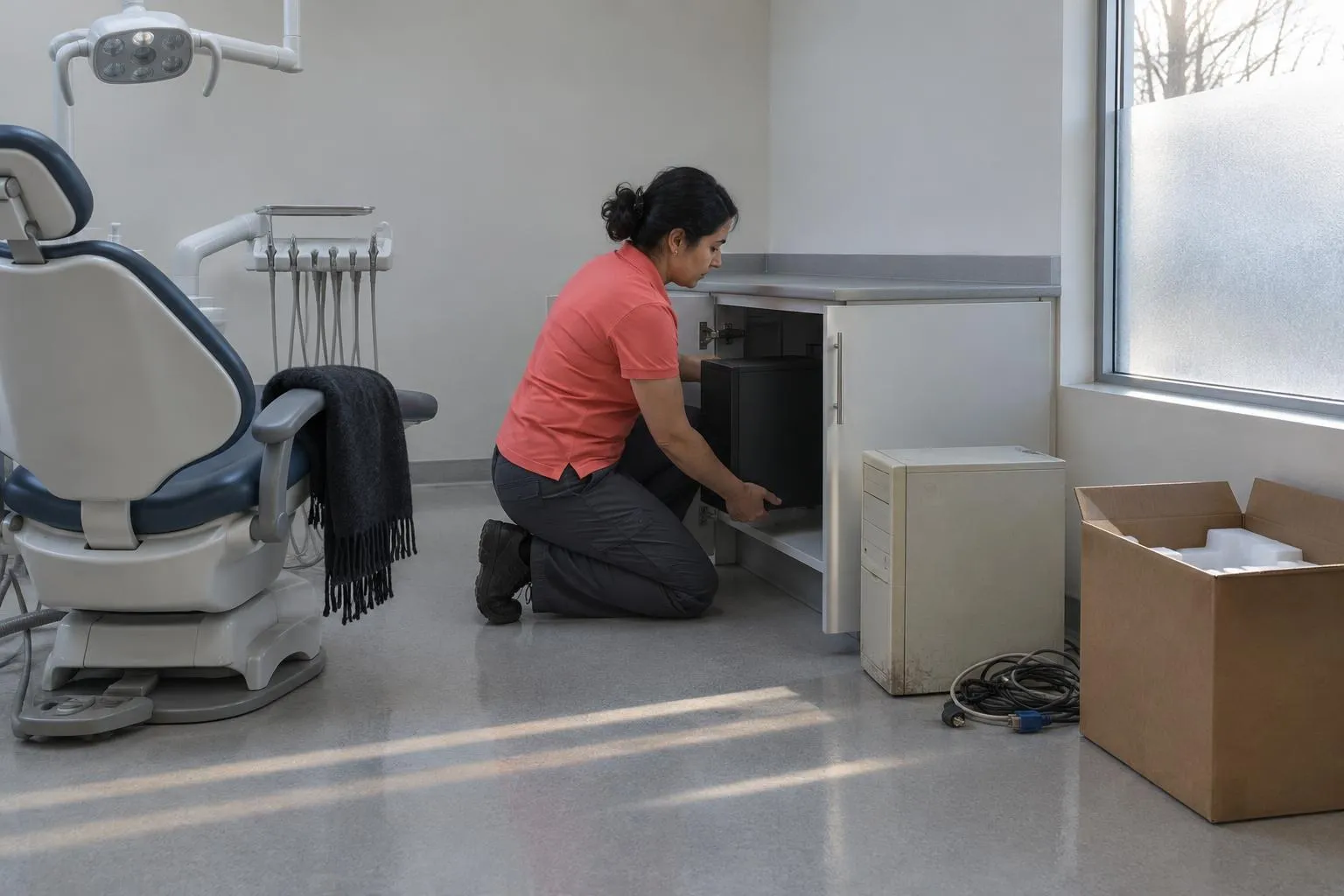
For calendar-year taxpayers, qualifying equipment must be purchased, installed, and placed in service by December 31, 2026.[1][4][13] One 2026 guide puts it plainly: delivered and put into service by year-end.[2]
In practice:
- Ask your vendor for a firm delivery date in writing before you sign.
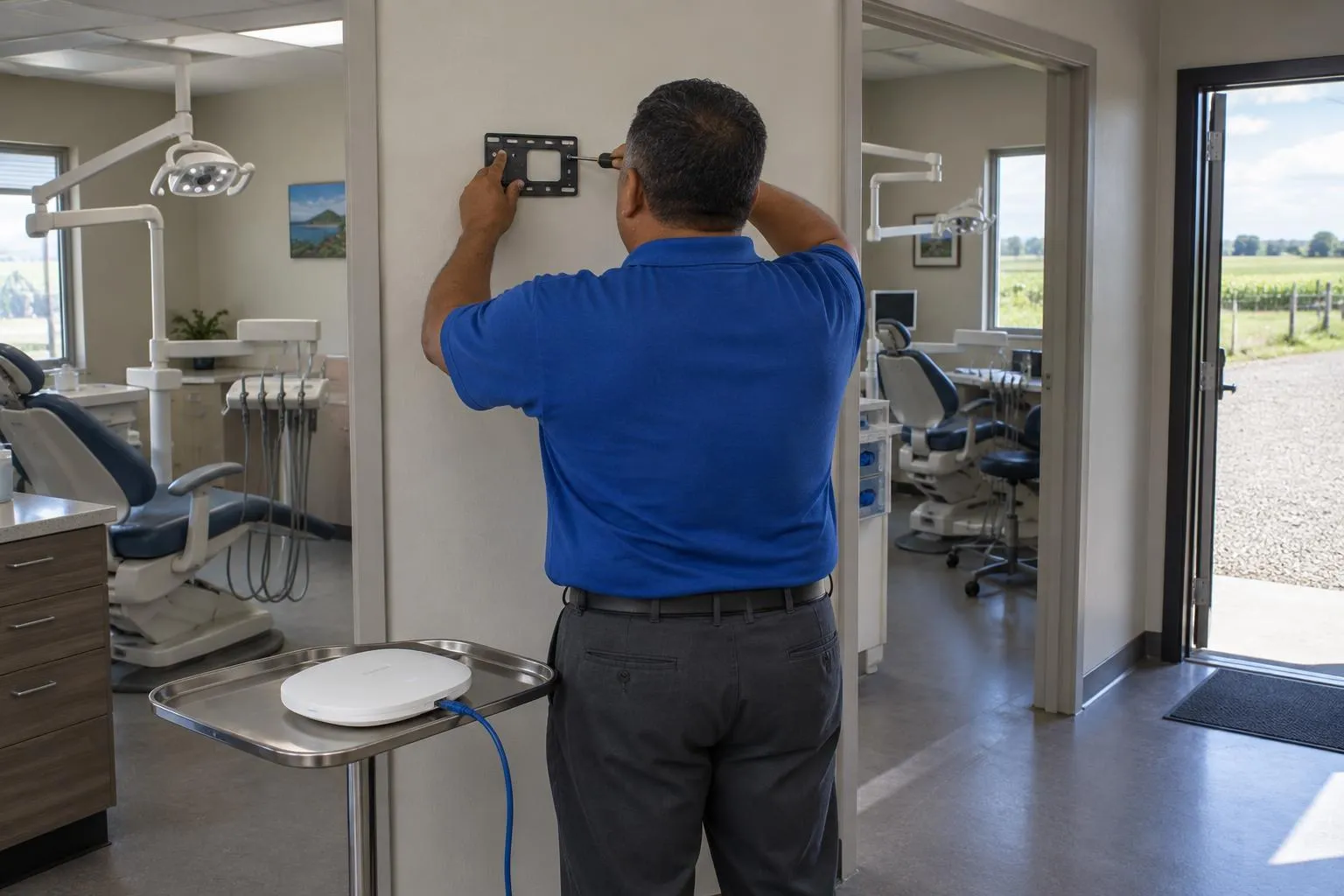
- Schedule installation with your IT provider now, not after the box arrives.
- Keep the in-service date documented. A dated install ticket works.
- Talk to your CPA about what qualifies. I’m not giving tax advice, and the research here doesn’t cover dollar limits.
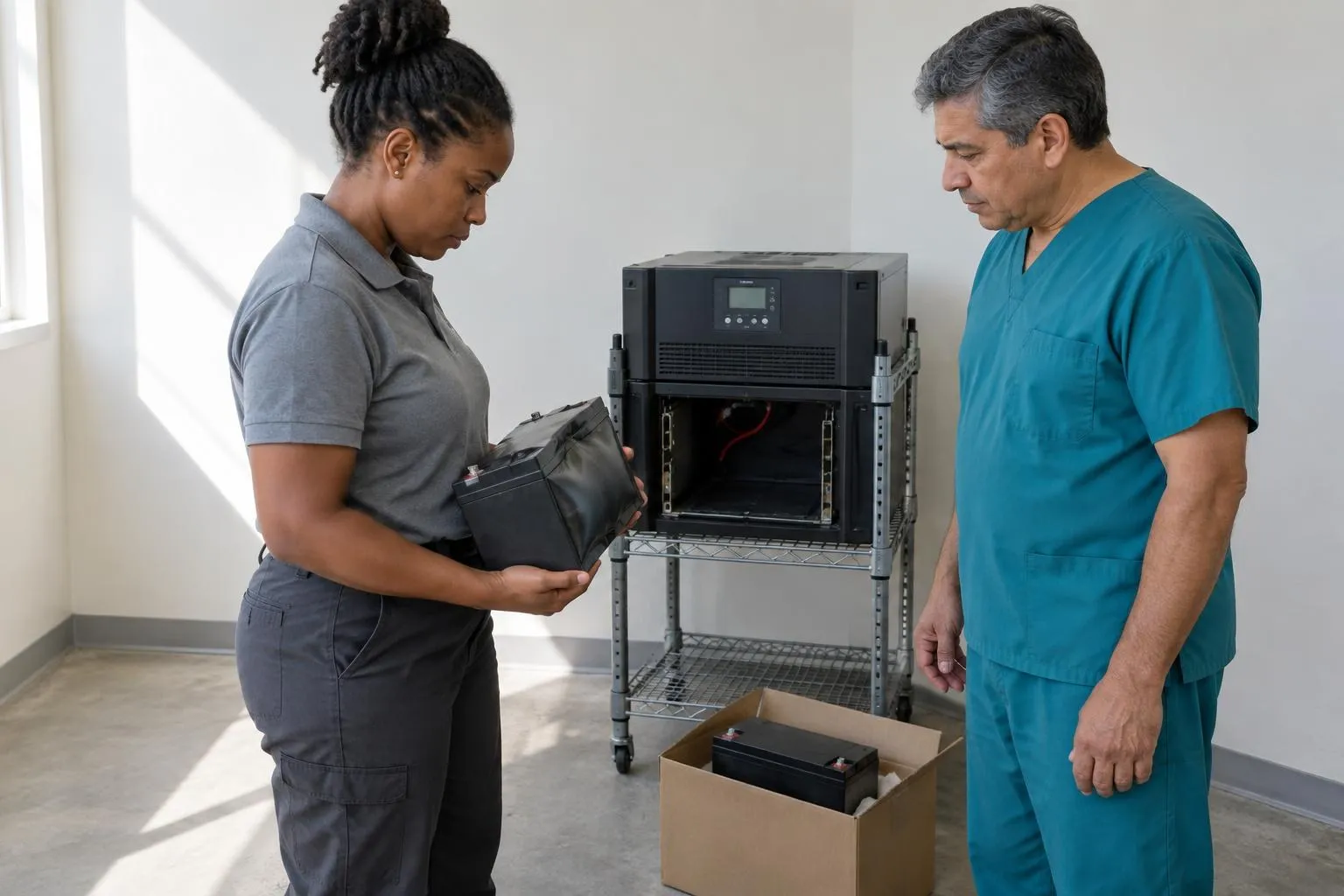
Check support status too. Look for servers, operating systems, and cloud hosts that the vendor has stopped supporting, and for workstations that don’t meet your practice software’s specs.[11] Those go on the replace list.
3. Software Renewals
Pull every renewal date into one list: practice management, imaging, antivirus and endpoint protection, email, backup, and your Wi-Fi and firewall subscriptions. Flag anything expiring between December and February.
Lapsed security subscriptions are the quiet ones. Nobody notices until something gets through. Also confirm MFA and encryption are on where they should be.[12]
4. Backups: Test the Restore
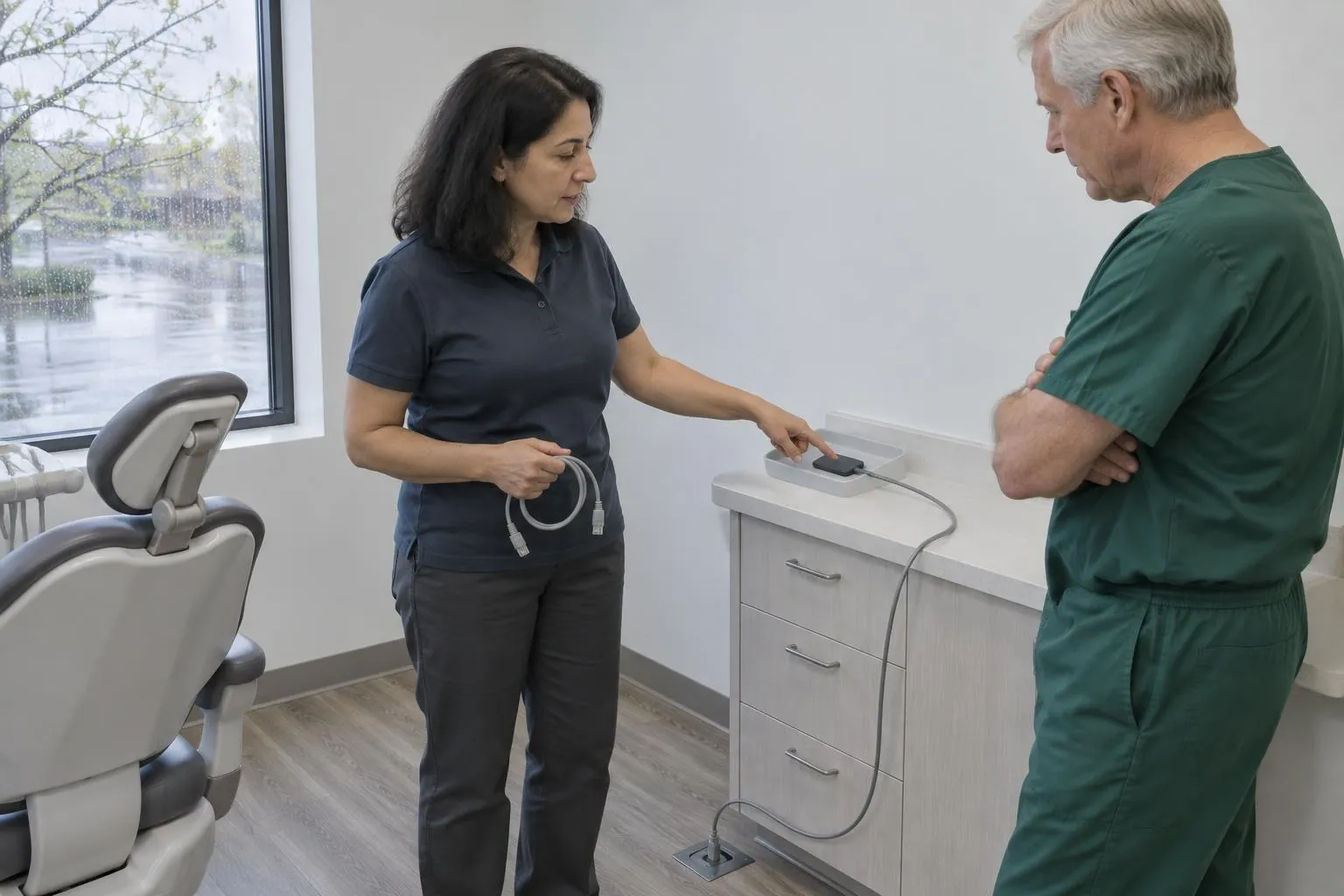
Verify that backups completed, then restore a real file, and ideally a full practice database, to a test machine. Time it. Write down how long it took.
Don’t rely on a green checkmark from the backup dashboard. Backup verification for recoverability is part of staying compliant, and a restore test is the only proof.
Reality Check: Some online checklists state blanket rules, like scanning every six months, as if HIPAA required them. Verify any “requirement” against the regulation itself before you build a policy around it.[12]
5. The January Handoff Packet
Hand your IT provider one document, whether you’re in a managed-services relationship or interviewing a new one:
- The completed asset inventory
- The risk analysis and treatment plan, with owners and dates
- The renewal calendar
- The latest backup test results
- The BAA list
- Changes planned for Q1: new locations, software migrations, staffing
If you’re comparing providers, ask whether annual risk assessments are in the retainer. Many managed agreements bundle them. Local providers are listed for Atlanta, Tampa, and New York. Your region doesn’t change the federal HIPAA requirements, only who can get onsite fast.
By the Numbers
From ChairsideIT directory data (see industry statistics):
- Verified providers listed: 267, across 45 states
- Most providers: CA (28), TX (20), FL (15)
- Microsoft Certified: 16 (6%); CompTIA Network+: 6 (2%); Cisco: 4 (1%)
- Average years in business (where published): 23.2
The Practical Bottom Line
- This week: Start the asset inventory and send your CPA a list of planned purchases.
- By early November: Finish or update the risk analysis and write the treatment plan.
- By mid-December: Have hardware installed and in use, with dates documented.
- Before closing for the holidays: Run the backup restore test.
- Last week of December: Send your provider the handoff packet.
For the bigger picture on choosing and working with a provider, read The Complete Guide to Dental IT Supports.
Do the boring work in October and you’ll spend December just checking that it got done.
Sources
Done reading? Get quotes from dental IT supports near you.
Takes about a minute. Free, no obligation; providers reply to you directly.
Popular cities:
Nick built this directory to help dental practice owners find credentialed IT providers without wading through general IT shops that lack dental software expertise — a gap he encountered when researching technology vendors for healthcare clients who needed both HIPAA compliance and Dentrix familiarity from day one.